


Is your AI-built app ready for real users? A free checklist
Built an app with AI and want to launch it to customers? A 21-point checklist of what has to be done before your first real user sees it.

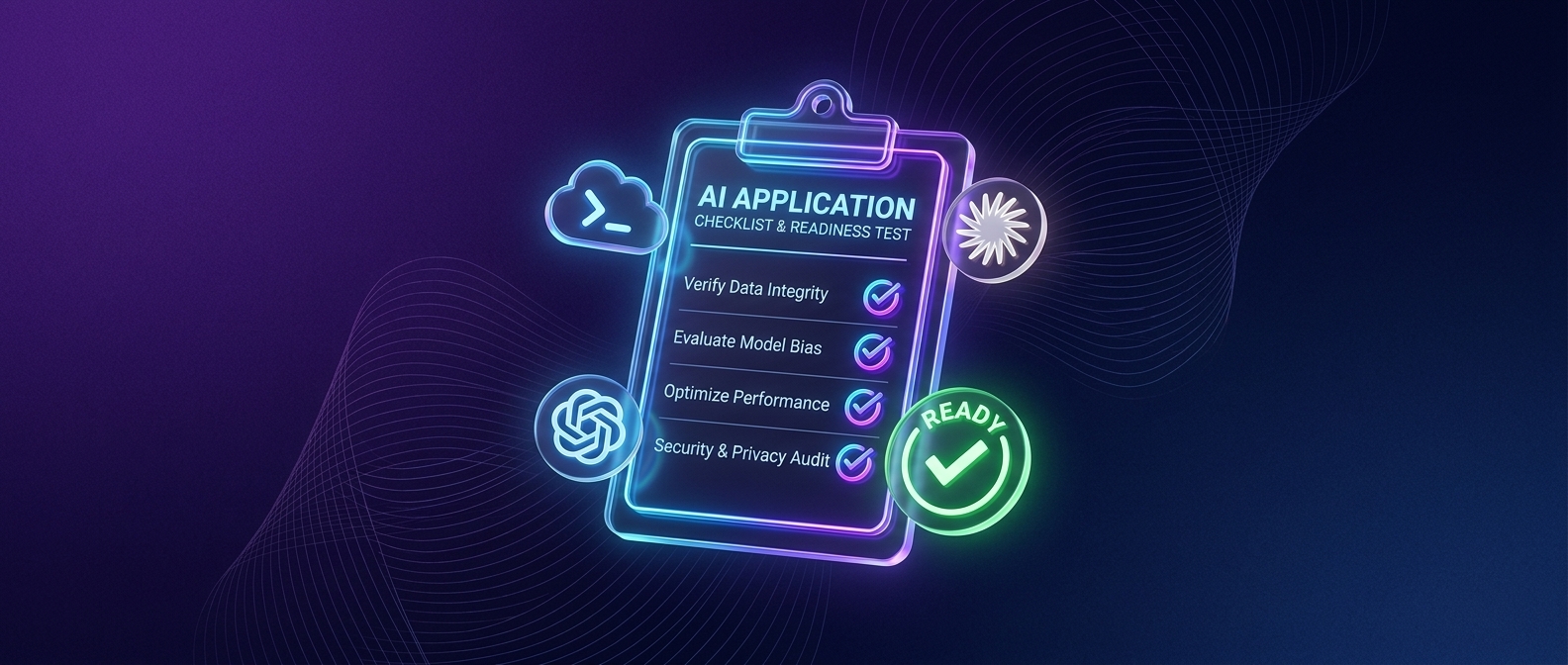
Short answer: An app built with vibe coding is ready for real users when it holds up in four areas: security and data access, personal data protection, stable operations, and code that someone can maintain. A working demo usually covers only the last part. This checklist has 21 points and you can go through it in an afternoon.
Why it matters
AI writes a working app quickly, but it doesn't add security on its own. In 2025, Veracode tested more than 100 language models on 80 coding tasks, and in 45% of cases the models produced code with a security flaw even though a secure option existed. For some types of flaws, such as injecting foreign code into a page, the models failed in 86% of cases.
For a decision maker, this means one thing. An app that works on screen is not the same as an app that holds up against strangers, other people's data and bad intentions. The gap between the two is what is called production ready. Below, it is broken down by area so that even someone who doesn't code can go through it.
Want to go through the checklist on your own app right away? Book 30 minutes online with us. We will tell you what we would tackle first. Book an online call
1. Security and data access: can the app say no?
The most common flaw in AI-built apps is not a missing feature but a missing boundary. The app can log users in, but it doesn't check what the other user is allowed to see and change.
- Each user sees only their own data. Test it in practice: log in with two accounts and try to open the other account's data from the first one by changing the URL or ID. If it works, the app is not ready.
- Keys and passwords are not in the code or the browser. API keys for payments, maps or AI services belong on the server in secure storage. Anything that runs in the browser can be read by anyone.
- Admin functions are protected separately. Deleting an account, exporting data or changing a price must not be possible just because someone guesses the URL.
- User input is validated. Forms, search and file uploads are where outside content gets into the app. The OWASP Top 10, the public list of the most common web application vulnerabilities, has ranked injection and broken access control near the top for years.
- Security testing matches the real risks. An automated scan catches known flaws in libraries and configuration. Whether to run a penetration test, and how extensive it should be, depends on the type of app, its architecture, the sensitivity of the data and the impact of a potential incident. For a typical web app, the test focuses mainly on the backend, API, login and access rights.
2. Personal data: do you know what you store about people and why?
As soon as an app stores names, emails or user behaviour, data protection rules apply to it no matter who wrote it. General principles apply here. The specific setup for your case is a question for a lawyer.
- You have a list of what data you store and why. If you can't write it down, you can't write truthful terms of use either.
- Users find out what happens to their data. Your privacy policy has to match what the app actually does, including third parties (analytics, AI services, email marketing).
- You can delete and export data. When a user makes a legitimate request, you must be able to handle it securely and correctly. This is mainly a matter of the backend and data management, not the app itself, and what matters is a clear process, not whether it runs automatically.
- You know where the data physically lives. For cloud services and AI models, check which country they run in and whether you are sending them more than necessary.
3. Operations: what happens when it goes down?
An app in production differs from a prototype in that it has to survive a bad day. Most AI-built apps don't have even the basics in place.
- The database is backed up automatically and you have tested a restore. A backup nobody has ever restored is not a backup. In July 2025, entrepreneur Jason Lemkin described a case where an AI agent in Replit deleted a production database during a code freeze, as Fortune reported. The lesson is not about one tool, but about production having to be separate from development.
- Development and production environments are separate. Testing only happens where there is no live customer data.
- You know the app is down before your customers do. Simple uptime and error monitoring with alerts to email or Slack is enough.
- The app can handle more users at once. You don't need to plan for millions. You need to know what happens when ten times more people show up than during testing.
- The domain, certificate and emails are yours. Does the app run on your domain or on the tool's subdomain? Do emails go out from your address and stay out of spam?
4. Code: can someone take it over?
Code that only the AI that wrote it understands is a business risk. As soon as you need a change the tool can't handle, someone has to be able to find their way around it.
- The code is in version control, not just in the tool. A Git repository that you have access to, not only the platform.
- There is a description of how to run and deploy the app. A few paragraphs are enough. Without them, every new person is left doing archaeology.
- Dependencies are up to date and known. Third-party libraries keep evolving, and outdated versions are the most common way known vulnerabilities get in.
- The code has been reviewed, both automatically and by a person. AI produces so much code that even an experienced developer can't efficiently review all of it by hand. So it makes sense to hand the first pass to automated AI code review, which finds potential bugs. A person then follows up, focusing on the significant risks and on whether the app stands on a stable foundation or on a series of patches.
5. Business: do you know who you are giving the app to?
Technical readiness is not enough if the app has no clear plan for running it. These points are short but often missing.
- You have terms of use and a support contact. Users need to know where to write when something doesn't work.
- You know what you will measure. Sign-ups, active users, completed actions. Without numbers you can't tell whether the product works.
- You have a plan for who maintains the app. You, someone internal, or a partner. A product in production needs care every month, not once a year.
When your own check is enough and when to bring in a team
Your own check is enough when:
- the app is used by your team or a few customers you know, and it stores no sensitive data,
- it handles no payments and no health or financial data,
- someone on your team can read the code and go through the checklist with you,
- a day of downtime wouldn't hurt anyone.
Bring in a team when:
- the app is going to paying customers or the public,
- it stores personal data of a larger number of people or processes payments,
- you don't know how to verify more than five points on the checklist,
- the product is the core of the business, not a side tool.
At MeguMethod we see this decision as a question of risk, not ability. Vibe coding is a good way to a prototype and to validating an idea. Production is a different mode, and it makes sense to handle it with someone who does it again and again.
If the second list sounds like you, send us a few sentences about your app. We will get back to you with how we would approach it. Send an inquiry
How MeguMethod approaches it
When an AI-built app comes to us, we start with the same checklist as in this article, just in more detail. Architecture, security and code review are the technical guardrails we set up in App as a Service before every launch. For code review, we combine automated AI code review, which looks for potential bugs first, with a follow-up review by a person, so our engineers deal with the significant risks, not routine. The outcome of the first pass is a list of what holds, what needs strengthening and what can wait.
Then we agree on how to continue. Either you finish the app yourself with our tools and guidance, or we take it over into operation: deployment, support and bug fixing with every release. Every change is checked by automation and by our engineers, and the code stays yours. How App as a Service works
Next step
Built an app with AI and want to know where it stands? See how App as a Service works, or book 30 minutes online and we will go through the checklist together. If you want some context first, read what vibe coding is and where its limits are.
FAQ
How do I know the app is ready for customers?
When it passes the four areas of this checklist: security and data access, personal data, operations and maintainable code. A practical test: log in with two accounts and try to reach the other account's data from the first one. If you can, it is not ready.
Who should review code written by AI?
First, automated AI code review that goes through all the code and finds potential bugs, then an experienced developer who didn't work on the app. They focus on what matters: structure, access control, handling of keys and dependencies. Whether you also need a penetration test depends on the architecture, the sensitivity of the data and the impact of a potential incident.
What does an app need before I let the first users in?
At minimum a separate production environment, automatic backups with a tested restore, keys outside the code, per-user access control to data and a privacy policy that reflects reality.
Is the security scan my tool offers enough?
It is a good first step and catches known flaws in configuration and libraries. It doesn't replace a review of the business logic and a person who tries to abuse the app. Tool vendors themselves state that responsibility for security stays with the app's author.
How long does it take to get an AI-built app into production?
It depends on how many checklist points are missing and how sensitive the data the app handles is. In general, the sooner you look at the checklist, the less needs rewriting. That is why at MeguMethod we recommend going through it before you decide to launch the app.


